Intelligent Work Forum 2026: one event, many sectors…
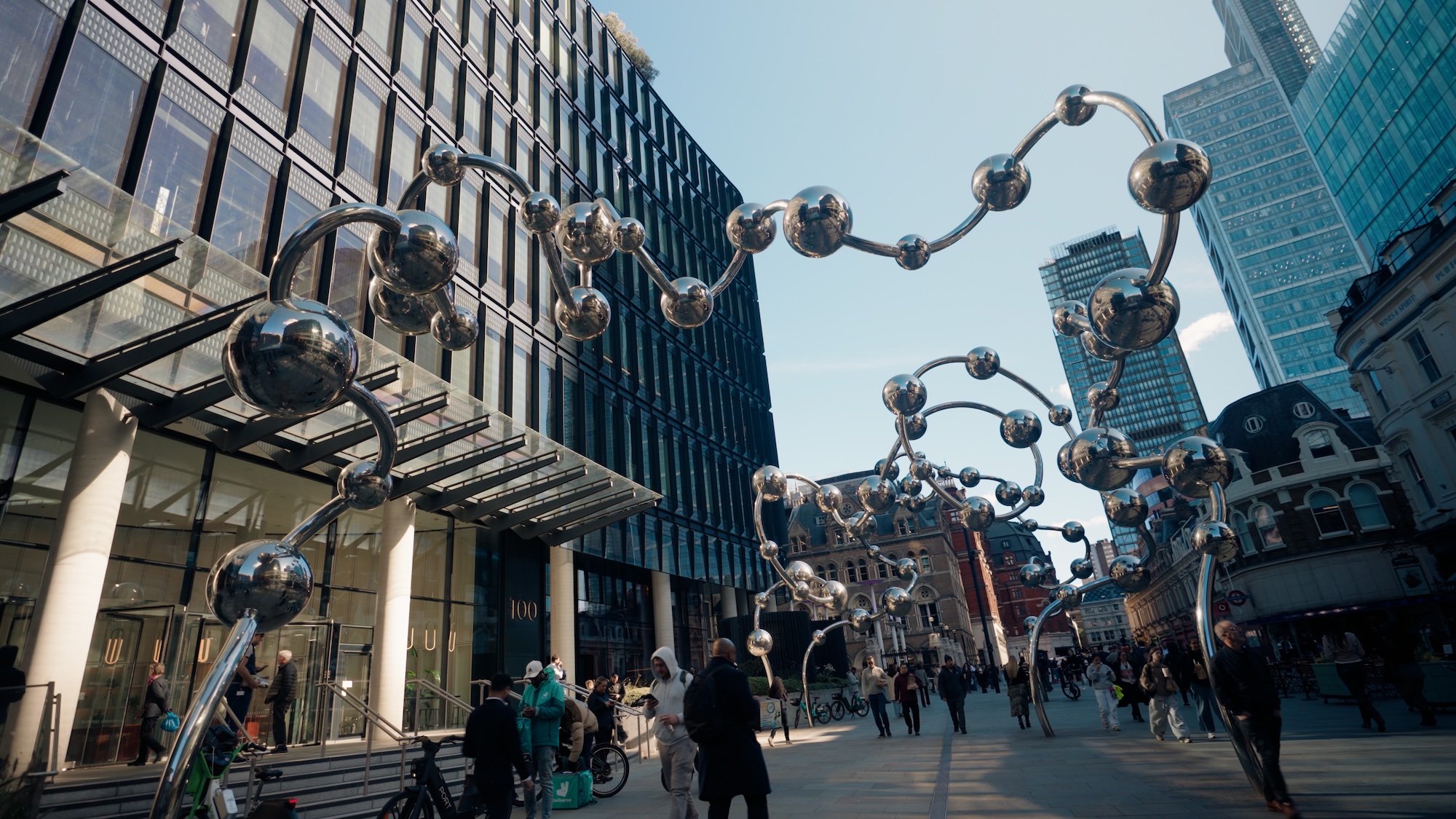
On the 8th October 2026, we hosted our annual Intelligent Work Forum at Storey, 100 Broadgate, in London, and what a day it was.
We see our clients regularly, but almost always on a one-to-one basis. The Intelligent Work Forum is our chance to bring everyone together. This year the Intelligent Work Forum held long-standing and new clients, alongside organisations exploring Smartsheet for the very first time.
Sectors represented on the day included aviation, rail, construction and real estate, and marketing media, amongst others. As the day went on, it became clear how many challenges these very different sectors share. It also showed how much people can learn from each other when they get the chance to talk.
A look ahead: the Smartsheet AI roadmap
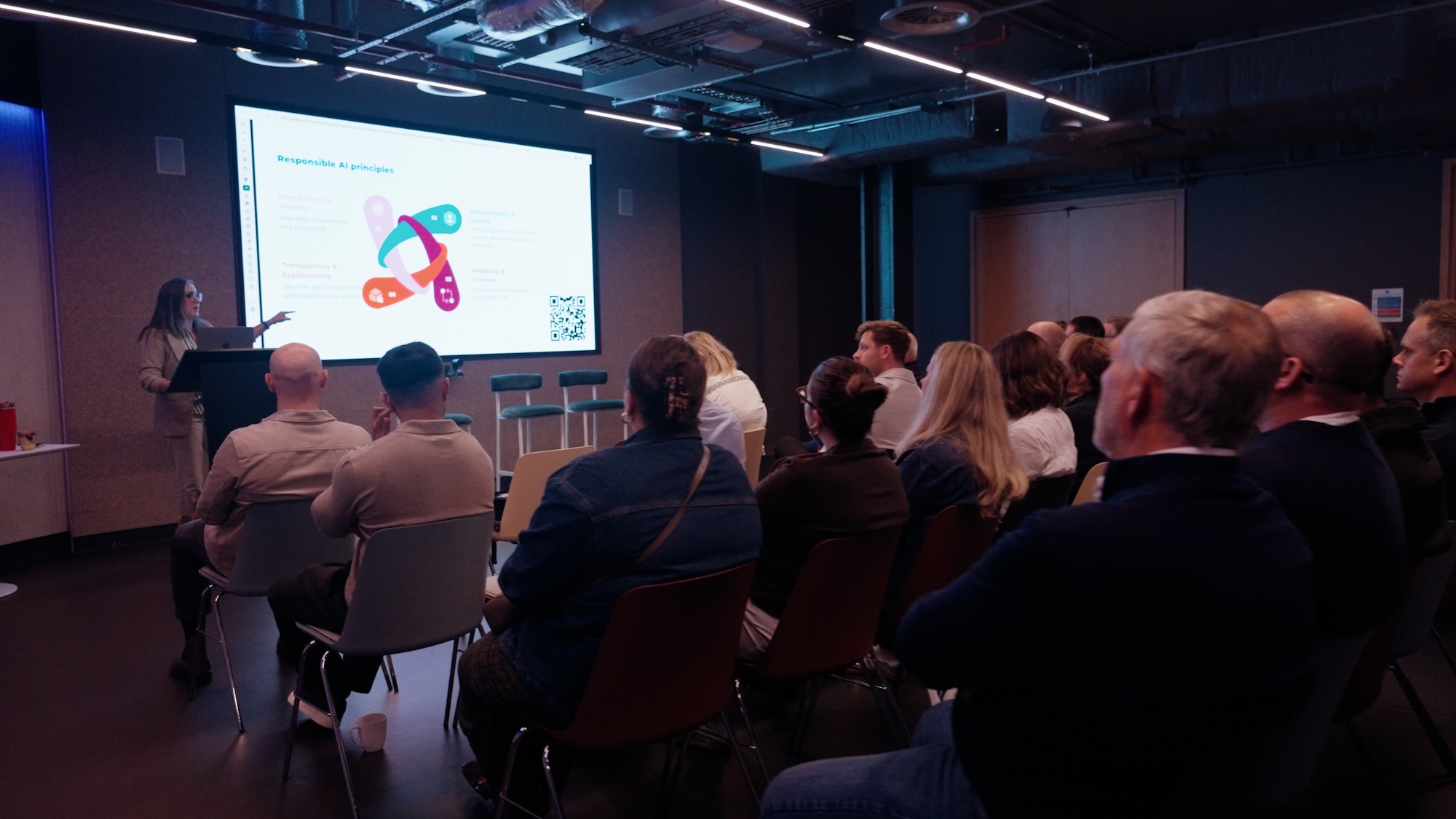
We opened the Intelligent Work Forum with Laura Nana, Director of Product Management at Smartsheet, who walked us through the AI product roadmap. Laura is responsible for data integrations, the public API and the MCP Server. That made her well placed to show how the pieces fit together.
Laura began with Smartsheet’s approach to AI. It works with the tools and AI models you already have. It also learns from every project you run, and it connects your systems rather than replacing them. Above all, every AI action is fully auditable.
Available Now: Smart Assist and the Smartsheet MCP Server
Smart Assist is the AI companion built into Smartsheet. You can open it from the Home screen, or click the sparkle button on any sheet in Table view, and ask a question, such as “What are the top risks for this project?”. It can run health checks, update tasks in bulk and draft an escalation message, and it always confirms before making changes, so a human is always in the decision loop.
Laura also demonstrated the AI dashboard builder and intelligent form fill, which lets people complete a form by speaking. She then showed Smart Columns, which can summarise, analyse sentiment or translate a whole column into 14 languages at once.
The Smartsheet MCP Server takes the same capability outside Smartsheet. Connectors are available for Claude, Microsoft Copilot, ChatGPT and Google Gemini. As a result, teams can ask about live sheets, update tasks and build dashboards from the AI tool they already use. Every action traces back to an authenticated user, so the AI can only see what that person has permissions to see.
Coming in the Second Half of FY2026
Next on the roadmap are AI Automations, built with a conversation on a visual, no-code canvas. AI-powered integrations will then connect your wider tech stack. AI Agents will follow, moving from working on demand, to running on a schedule, to monitoring your work continuously. Throughout, the principle stays the same: AI recommends, humans decide.
Governance Built In
For many at the Intelligent Work Forum, governance mattered as much as features. Admins can switch individual AI capabilities on or off in Admin Center, and more granular controls are on the way, such as blocking AI from specific workspaces or sheets. In addition, customer data never trains external models, and the Smartsheet Responsible AI commitments are publicly available.
The questions afterwards were just as useful. For example, attendees asked how to keep up with the pace of change, and how to evidence time savings for their boards. Laura offered to share aggregated data and customer examples to help.
Smartsheet customer stories, in our clients’ own words
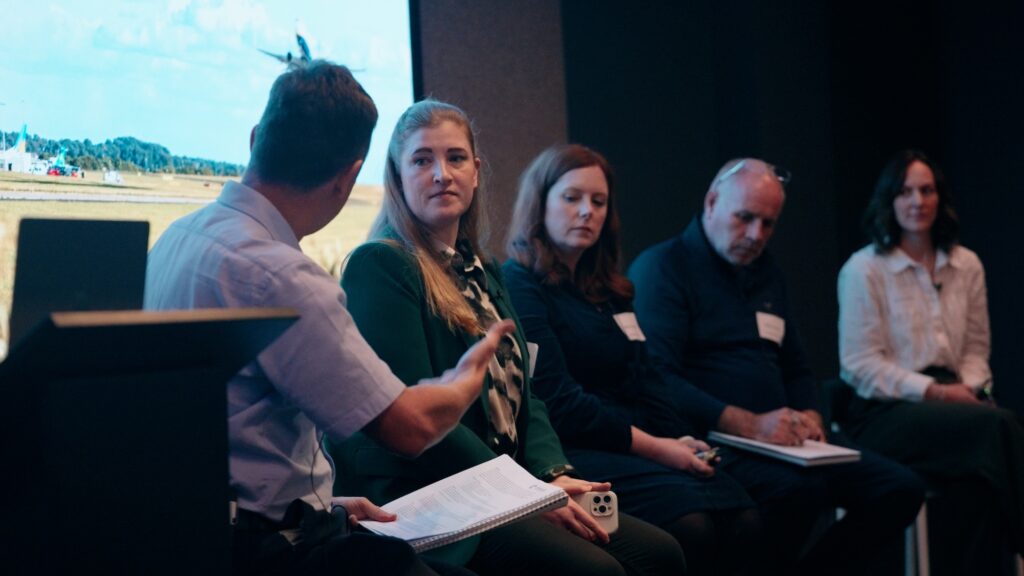
The heart of the Intelligent Work Forum was hearing from our panel of existing clients, each sharing their Smartsheet journey to date. All four started in a similar place: spreadsheets, scattered information and no single view of their work.
Luise Toouli | Senior PMO Analyst | Leeds Bradford Airport
Leeds Bradford Airport serves over 4.3 million passengers a year and is working towards 7 million. With one runway, one terminal and one security area, a single issue can halt operations. Seeing what is coming across every project is therefore essential.
Before Smartsheet, around 50 live projects were managed through spreadsheets, emails and phone calls, with no portfolio view. Today the PMO, a lean team of four, has one source of truth. As a result, reporting that took a week now takes two hours, and automating project closure saved an estimated £27,000 last year alone.
Luise’s advice was to build with your users, not just for them, and to ask for feedback early and often. Almost all capital spend now goes through Smartsheet, which has driven adoption right across the airport. You can read more in our Leeds Bradford Airport customer story.
Mary Casserly | Business Plan Manager | Rail Delivery Group
Rail Delivery Group sits behind many of the services rail passengers use every day, from railcards to Passenger Assist. Mary described moving away from Excel workbooks full of macros, which had become hard to maintain.
Rail Delivery Group now uses Smartsheet in three areas. First, projects and programmes, built with Control Center and blueprints for consistent portfolio reporting. Second, service reporting that brings supplier KPIs together. Third, contract management, which proved so useful that it has now replaced a separate procurement system, saving on additional licence costs.
Mary is a big advocate of AI formula generation, which has given her far more confidence when building in Smartsheet. Her tip for anyone starting out is to complete the Smartsheet University training first, because it saves time in the long run.
Mike Smith | Senior Operations Manager | Treveth Holdings
Treveth, the Cornish word for homestead, was set up by Cornwall Council in 2019 to build high-quality, sustainable homes. Its homes are only available to people who live or work locally.
An internal audit found the business relied too heavily on Excel. Mike’s team then designed what they needed, and we turned it into a Smartsheet solution. It has been live for less than 12 months. It now covers five live projects worth around £98 million, with a further six to ten projects worth around £105 million in the pipeline.
The standout solution feature is the financial reporting. An accommodation schedule for every home feeds a dynamic cash flow forecast automatically. This shows the maximum borrowing each project needs over a ten-year period. Dashboards then report at project, portfolio and board level.
Emily Jewell | Head of Event Operations | News UK
News Live is the in-house events team for News UK. It runs around 200 events a year for brands including The Times, The Sunday Times, The Sun and talkSPORT. These range from exclusive client dinners to arena tours.
Before Smartsheet, the team, now 17 strong, worked from their own templates across Google Drive, which Emily called “organised chaos”. Pulling numbers together meant digging through a sprawl of spreadsheets, each with a different layout. Since then, Smartsheet has grown with the team, with regular improvements as their needs change.
Emily’s focus now is reducing the team’s “admin tax”, the time spent on repetitive manual tasks, which they estimate at around 45 hours a week. The Slack integration was a game changer, and next she would love AI to help build event budgets from templates.
A common thread ran through all four talks: get the structure and a single source of truth in place first, then add automation and AI on top.
Intelligent Work Forum breakout sessions
After a well-earned tea break, the Intelligent Work Forum split into smaller group sessions. There were live demonstrations in the main room and two round tables, one focused on the rail industry and the other on construction and real estate.
Live Demonstrations
In the main room, three members of the Cheetah team ran live demonstrations of Smartsheet in action:
- Scenario Planning, presented by Martin Silva, Senior Solutions Consultant. Scenario Planning lets teams test “what-if” changes to a schedule, see timelines alongside capacity and compare options side by side, all without touching the live plan. Once everyone agrees, the chosen option can be applied to the sheets.
- Portfolios, presented by Youssef Mejri, Senior Solutions Consultant. Portfolios helps teams manage related projects in a consistent, repeatable way. New projects are created from standard templates, and every project sits in one central list with progress rolled up across the portfolio.
- AI Smart Columns, presented by Gary Thornton, Operations Director, building on what Laura had shown earlier at the Intelligent Work Forum. Smart Columns add AI processing to a sheet at scale, so a whole column can be summarised, analysed for sentiment or translated into 14 languages at once, and it updates automatically as the data changes.
Rail Round Table
Our second Rail round table, chaired by Helen Coen, opened with an update on recent industry news from the Great British Railways (GBR) Design team, Department for Transport Operators, Rail Delivery Group and c2c, now part of the wider GBR Anglia group.
Lawrence Powell from the GBR Design team then shared progress on their Smartsheet solution build. It sparked a great debate on how to win positive engagement from project managers and other stakeholders when introducing a new platform and process.
Construction & Real Estate Round Table
The Construction & Real Estate round table, chaired by Rob Eberstein, our Managing Director, was a lively discussion, with each attendee sharing how they use Smartsheet in their organisation.
Everyone agreed that Smartsheet is ideal for development activity, where collaboration and conversations between multiple stakeholders are vital. A common challenge also emerged: getting data in from PDFs and drawings is still inefficient.
Youssef Mejri then shared his work on Advanced Financial Reporting. He has devised a process that makes it easy to compare budgets and cash flows across multiple projects with different start dates, and to consolidate them by month, quarter or year.
What we took away from the Intelligent Work Forum
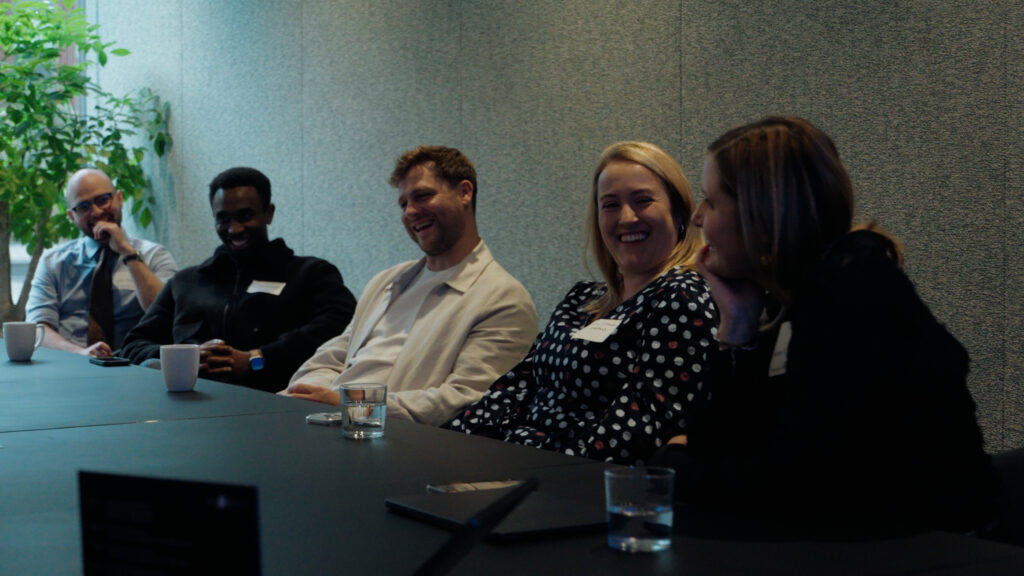
Some of the best conversations at the Intelligent Work Forum happened between the sessions and carried on into the evening. A few themes kept coming up:
- Data quality comes first. It topped the audience word cloud, and several speakers stressed getting the structure right before layering on AI.
- Build with your users. The most successful solutions grew through regular feedback and small, frequent improvements.
- AI is moving from answers to action. The panel was most excited about AI agents and automations that take repetitive admin off their teams.
For the Cheetah team, the biggest highlight of the Intelligent Work Forum was simply seeing our clients share insights, swap sector stories and find common ground
Thank you, and see you at next year’s Intelligent Work Forum
A big thank you to Laura Nana for the roadmap session, and to Luise, Mary, Mike and Emily for being so open about their journeys. Thank you also to Jacqueline Smith and the wider Smartsheet Partner team for their support and collaboration throughout. And thank you to everyone who came along to the Intelligent Work Forum and made it such a successful, friendly, open day.
We’re already starting to plan the next Intelligent Work Forum. If you’d like to be part of it, or want to talk about how Smartsheet and Smartsheet AI could work for your organisation, get in touch with the team.
Get in Touch
Cheetah Transformation is a Smartsheet EMEA Elite Solution Partner specialising in intelligent work management solutions across the public sector, rail, construction and real estate, renewable energy and pharmaceuticals. To discuss how Smartsheet and Smartsheet AI can work for your organisation, contact us at [email protected] or visit cheetahtransformation.com.
Contact Us